Collinearity AI · Creative Optimization Agent

How can I optimize this video?

brand_campaign.mp4

I have 3 top recommendations to improve performance:

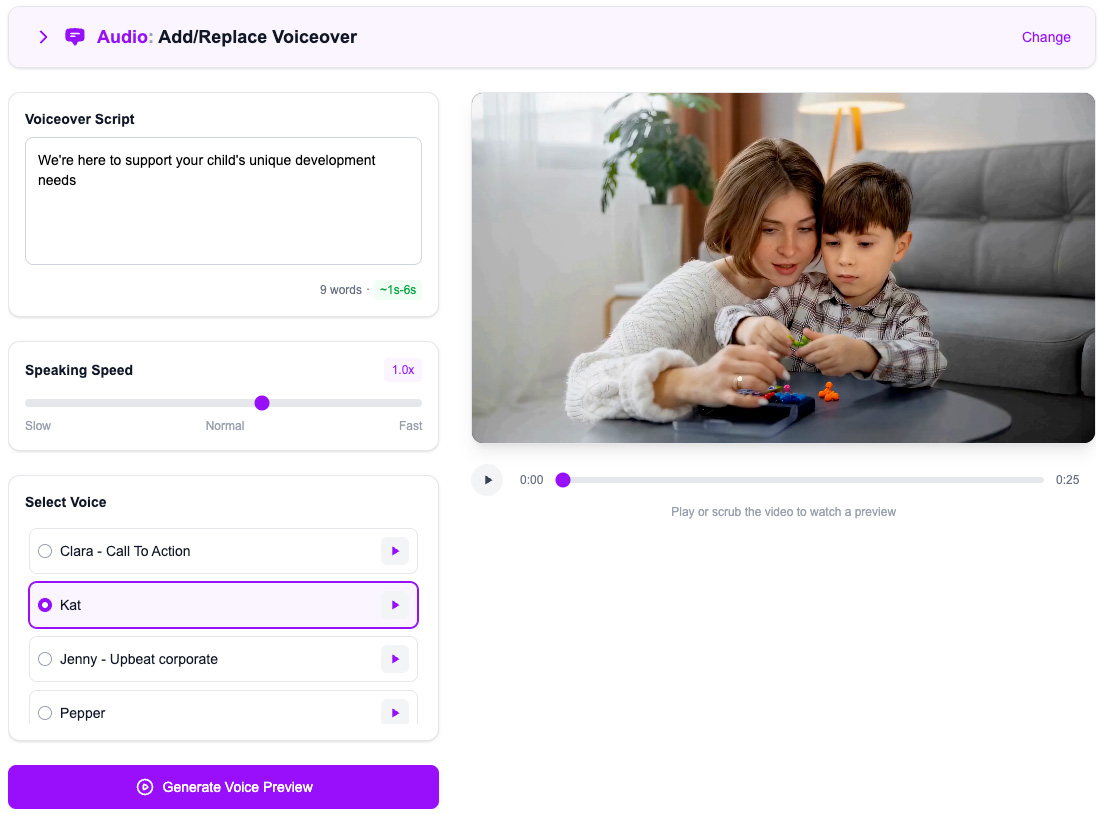
Add Voiceover“Crafting script…”
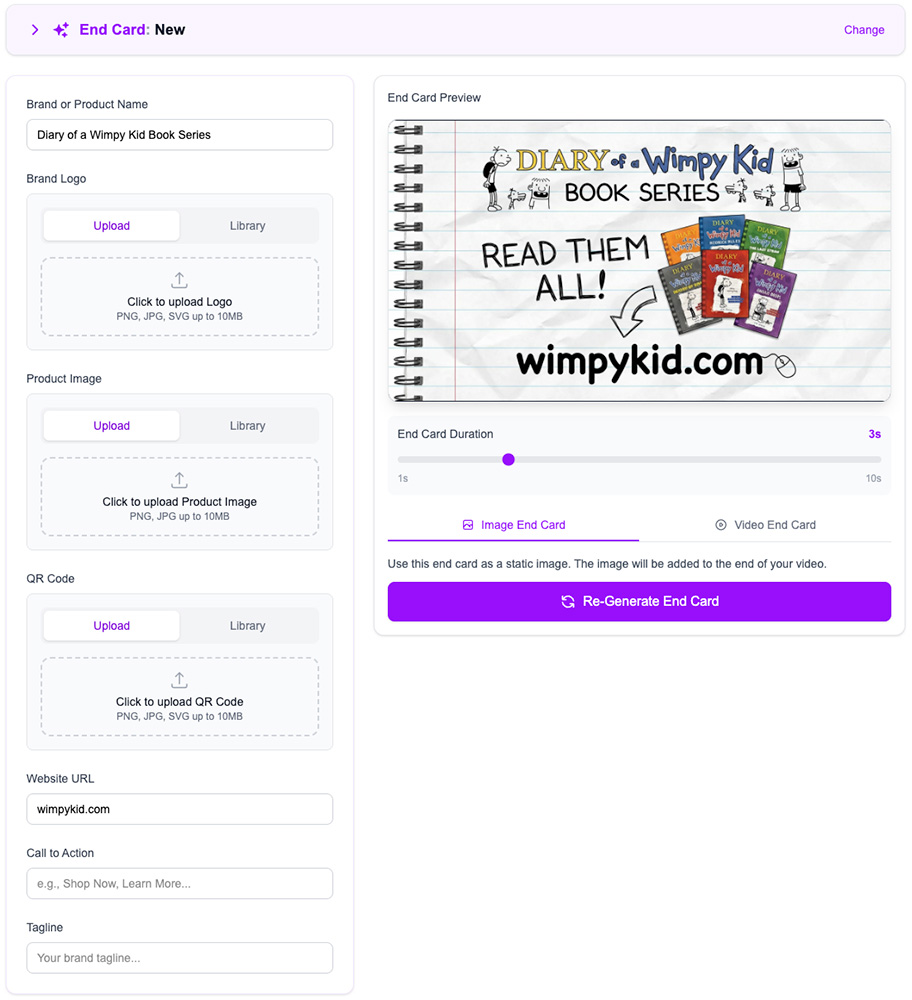
Create End Card“Designing end card…”
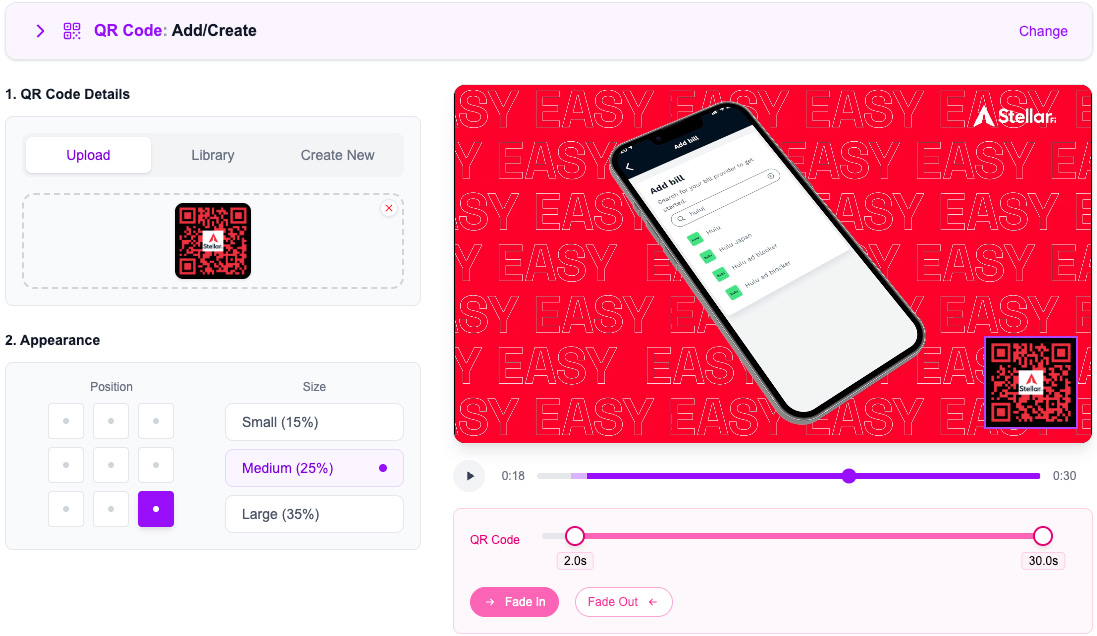
Add QR Code“Generating QR code…”
Looks great, apply these edits.

OK, creating your optimized video now

Here is your optimized video:

C
Collinearity AI
🤯

CREATIVE OPTIMIZATION AGENT

CREATIVE EVOLVED

Insights•Optimization•Generation
Get Started

1-Click Edits

Every Insight, Actionable

Collinearity pinpoints what's holding your ad back and recommends the fix — a logo, captions, a fresh voiceover, a new end card. Apply it in one click and get an optimized video in minutes, with no design work required.

Intelligent Editing

Browse our Edits Library

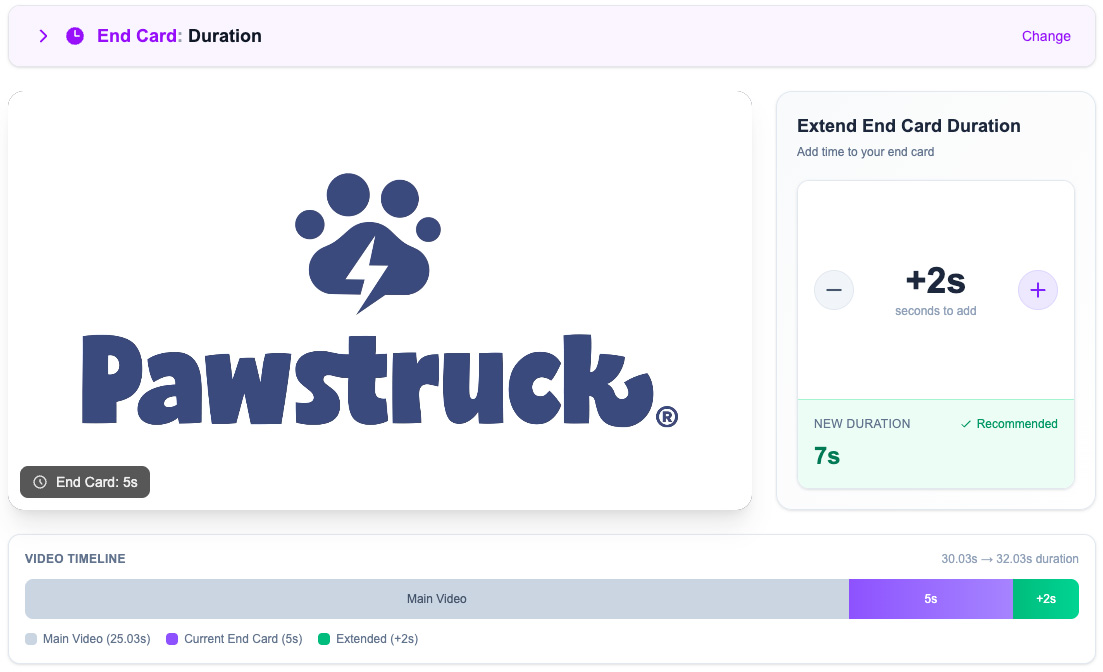
Every edit starts from recommended settings for timing, placement and audio. Use them as-is or fine-tune every detail.
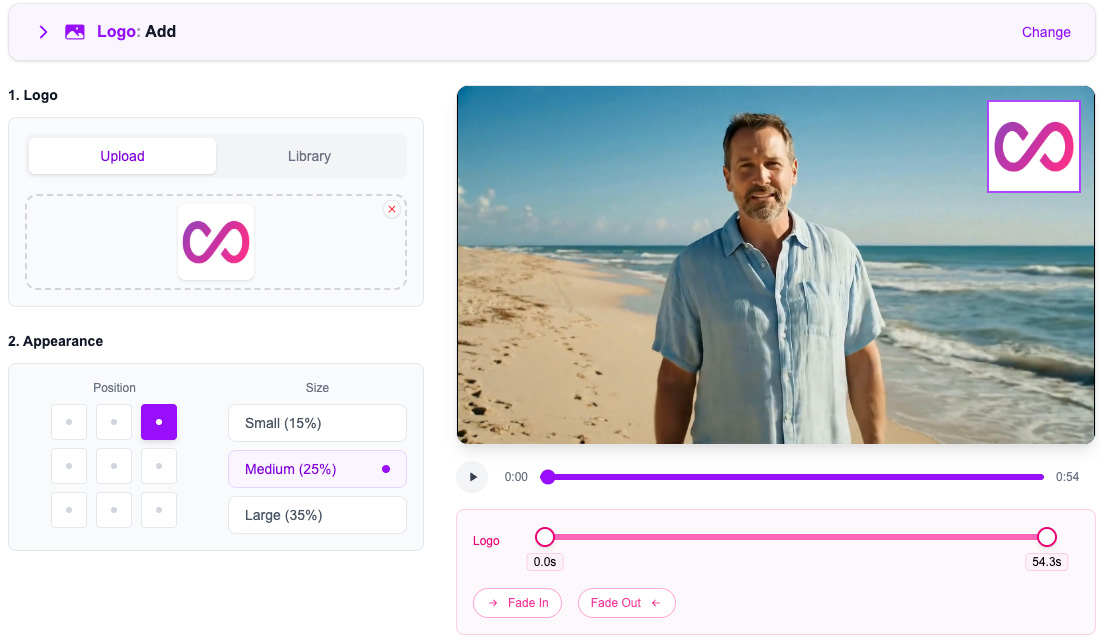
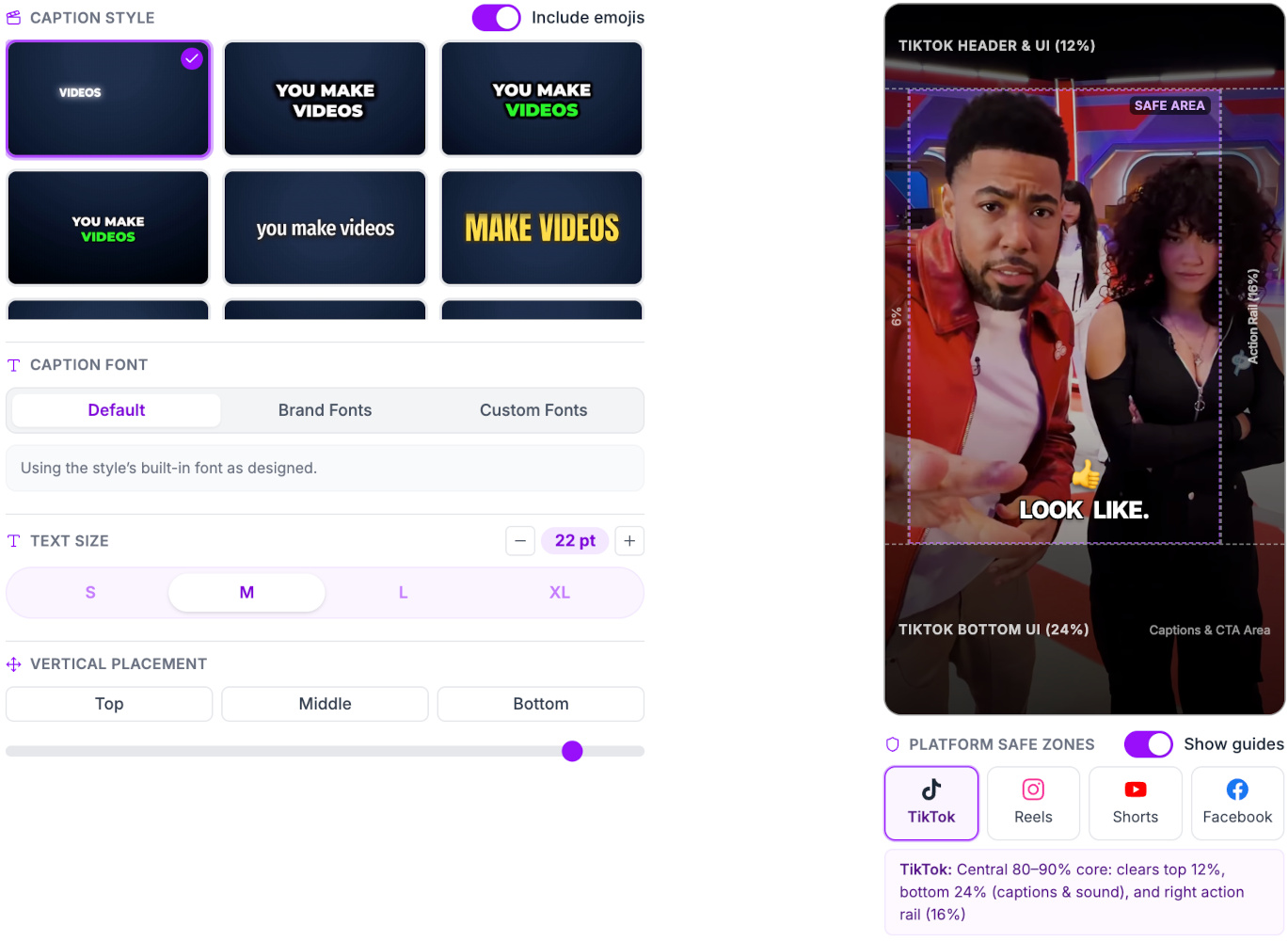
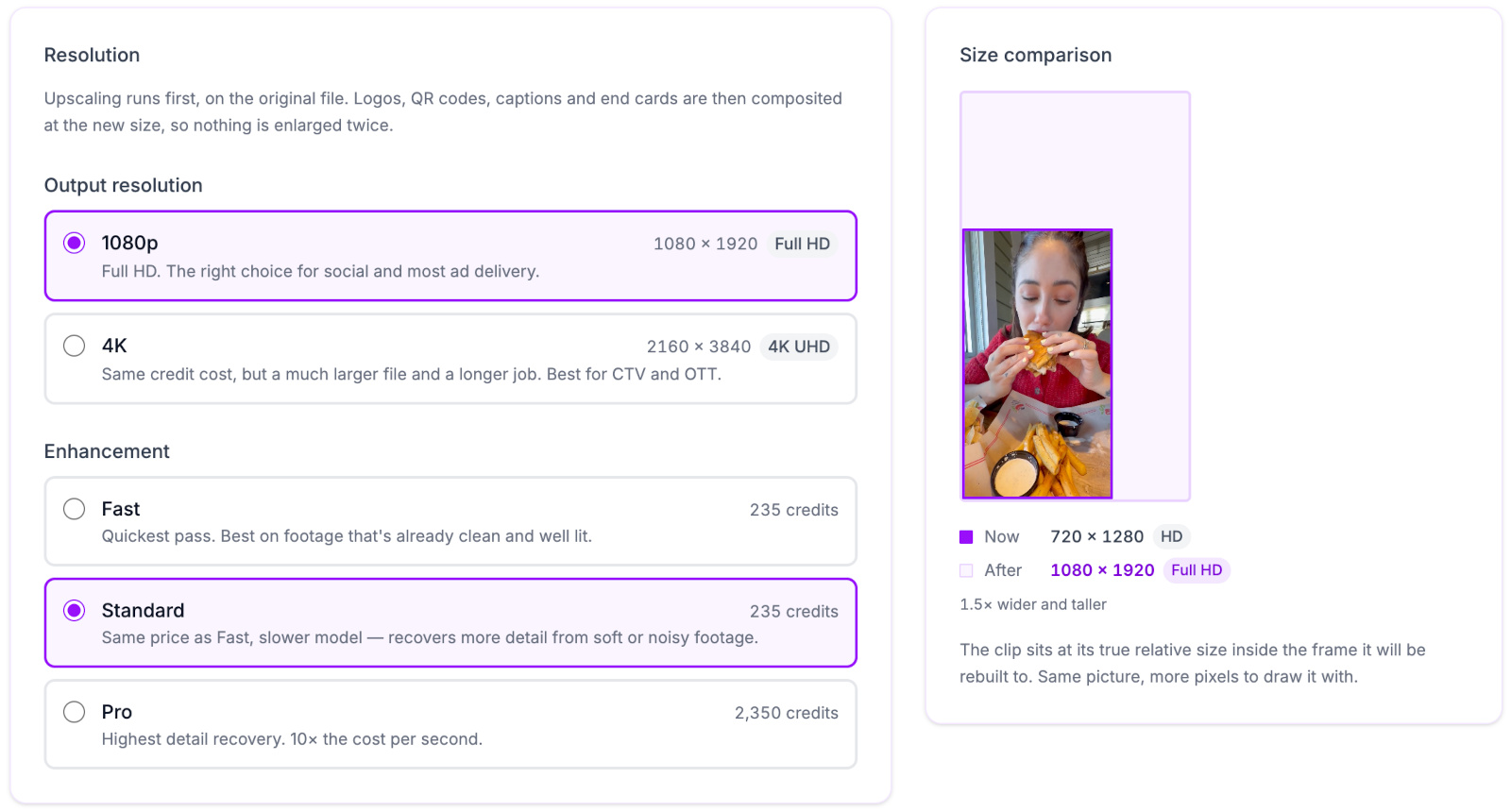
Add Logo previewAdd Captions previewUpscale Video previewAdd or Replace Voiceover previewAdd or Replace Music previewCreate QR Code previewCreate End Card previewExtend End Card preview

Video Editor

Complete Control

  • Add the Final Touches

    Import videos directly from your library, 1-click edits or agent-assisted edits

  • A Full-Featured Video Editor

    Multi-track timeline for shots, audio tracks and overlays

  • Advanced Capabilities

    Add music, voiceovers, captions, end cards and more

  • Export for Every Placement

    Define the finished aspect ratio, resolution and frame rate

  • Generate a new shot with AI and add it to your timeline.

    Videos

  • Narrate your video from your own script or an AI-written one.

    Voiceovers

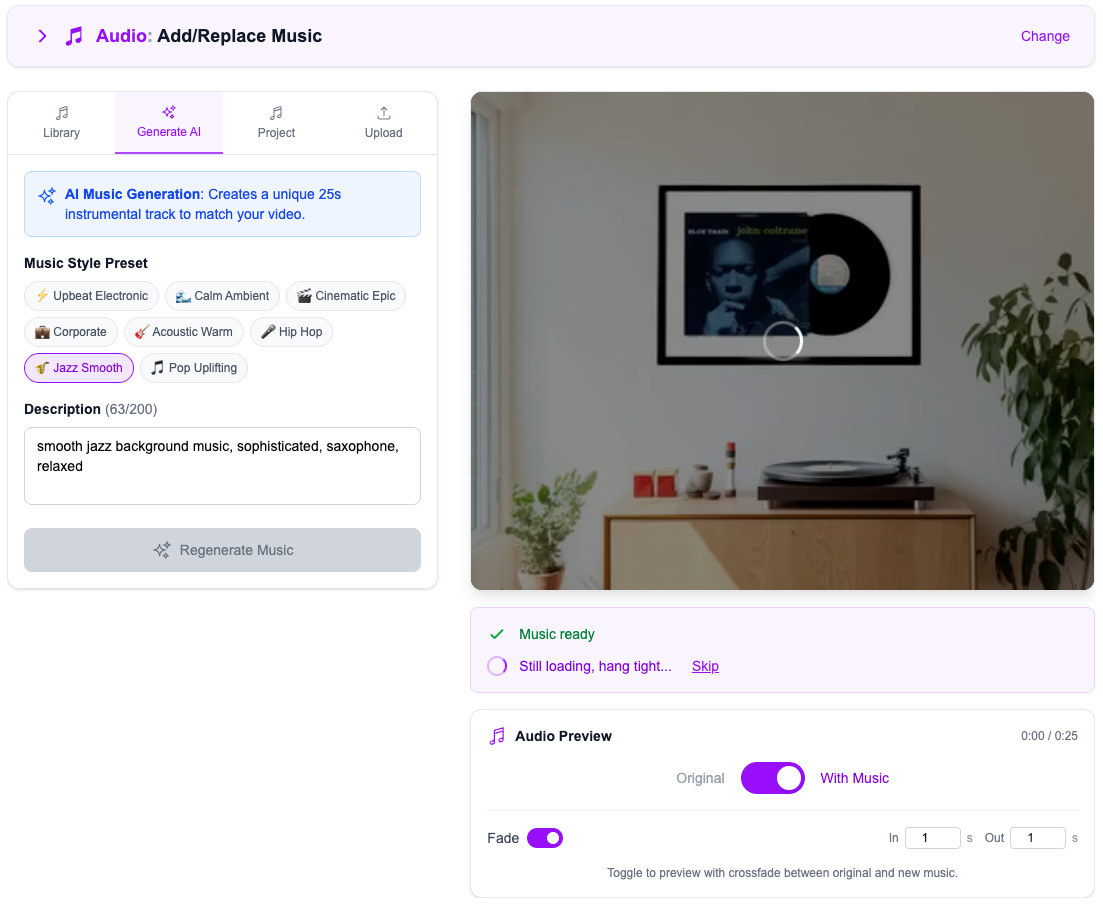
  • Upload, generate, or pick a track and blend it under your video.

    Music

  • Generate ambient sound effects synced to what's on screen.

    Foley Sounds

  • Everywordcounts

    Burn in captions transcribed from the video's own audio.

    Captions

  • Place your logo in a corner at the optimal size.

    Logos

  • Create a custom QR code and add it to your video.

    QR Codes

  • Learn more

    Close on a card with your brand, tagline, and call-to-action.

    End Cards